A terminal that feels at home.
Open independent SSH sessions, move between them without reconnecting, and keep familiar terminal controls within reach. Choose per-host themes, font sizes and environment variables.
SSH terminals GlanceSSHApp Store
SSH, SFTP and S3. One native workspace across macOS and iOS — on Mac, iPhone and iPad.
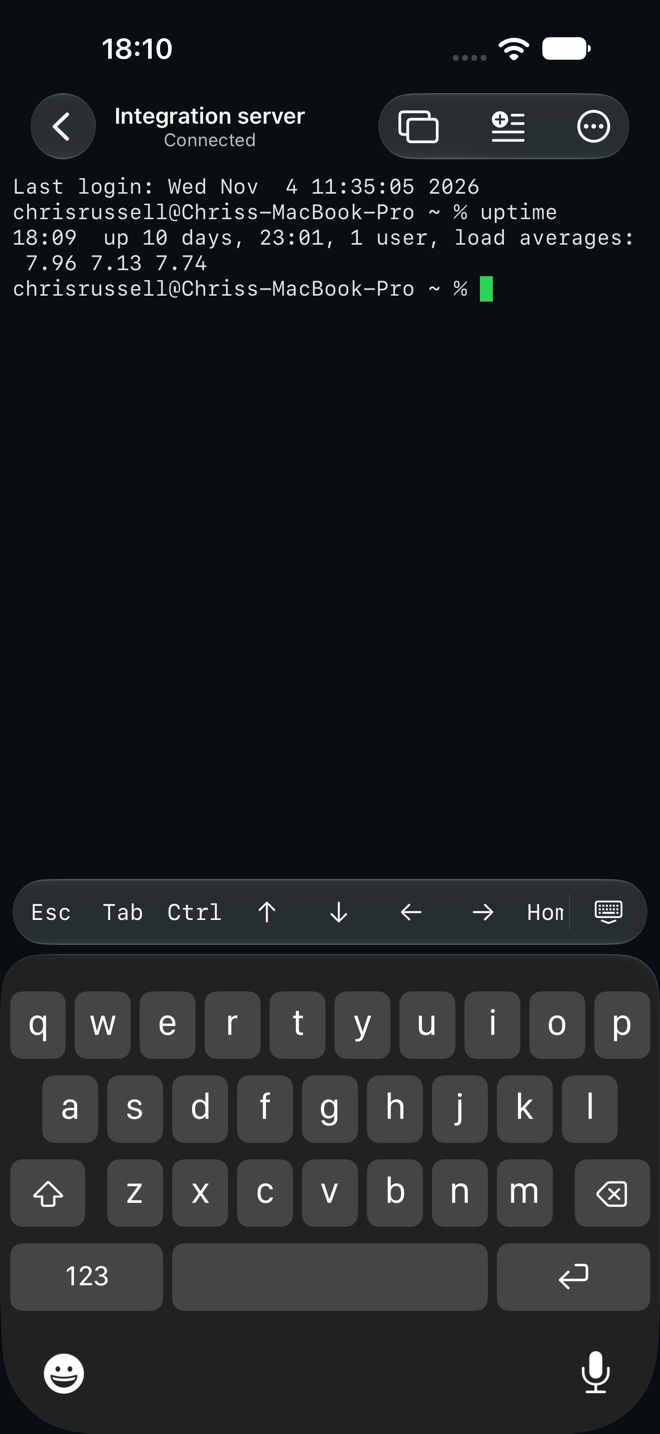

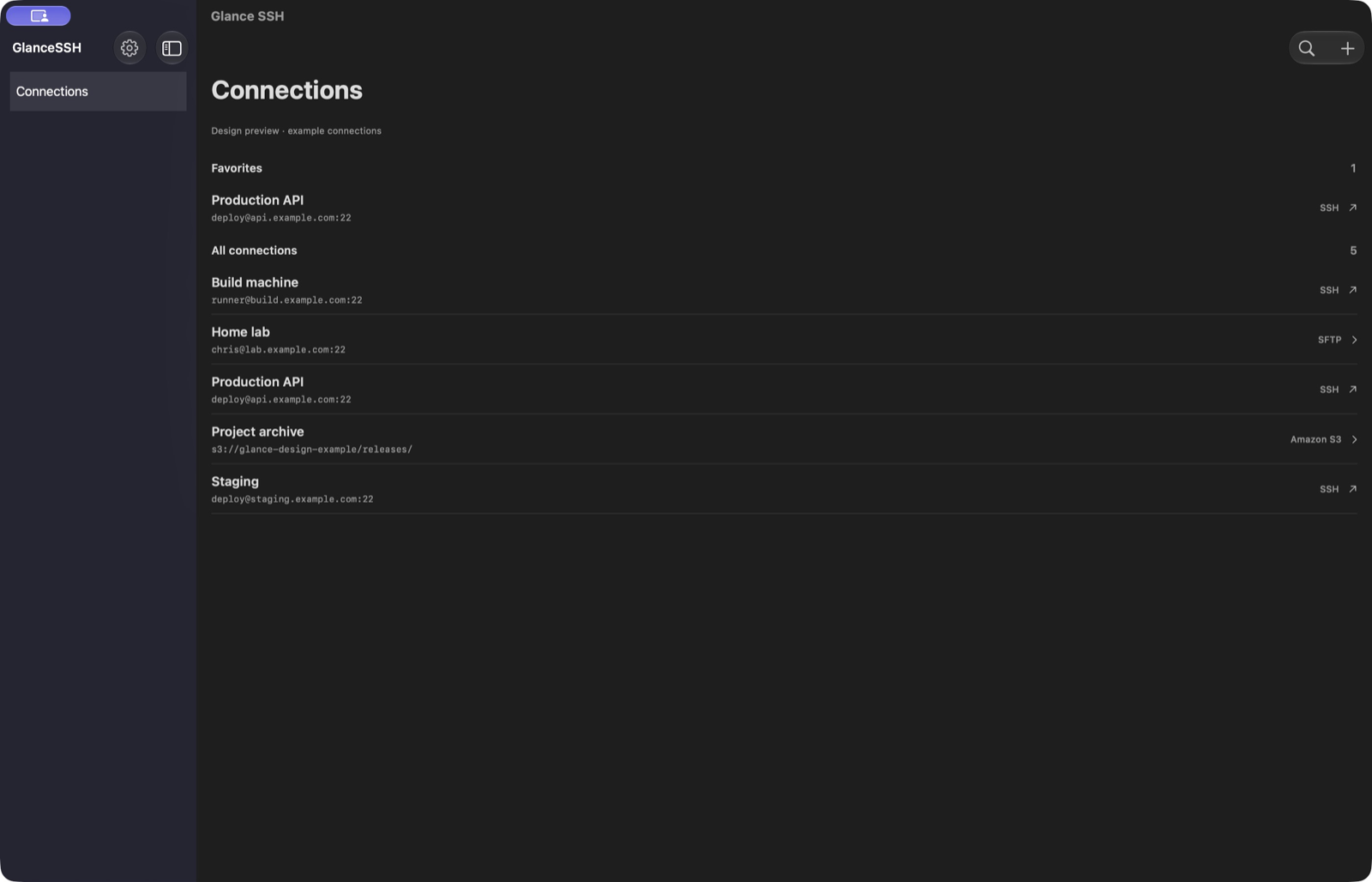
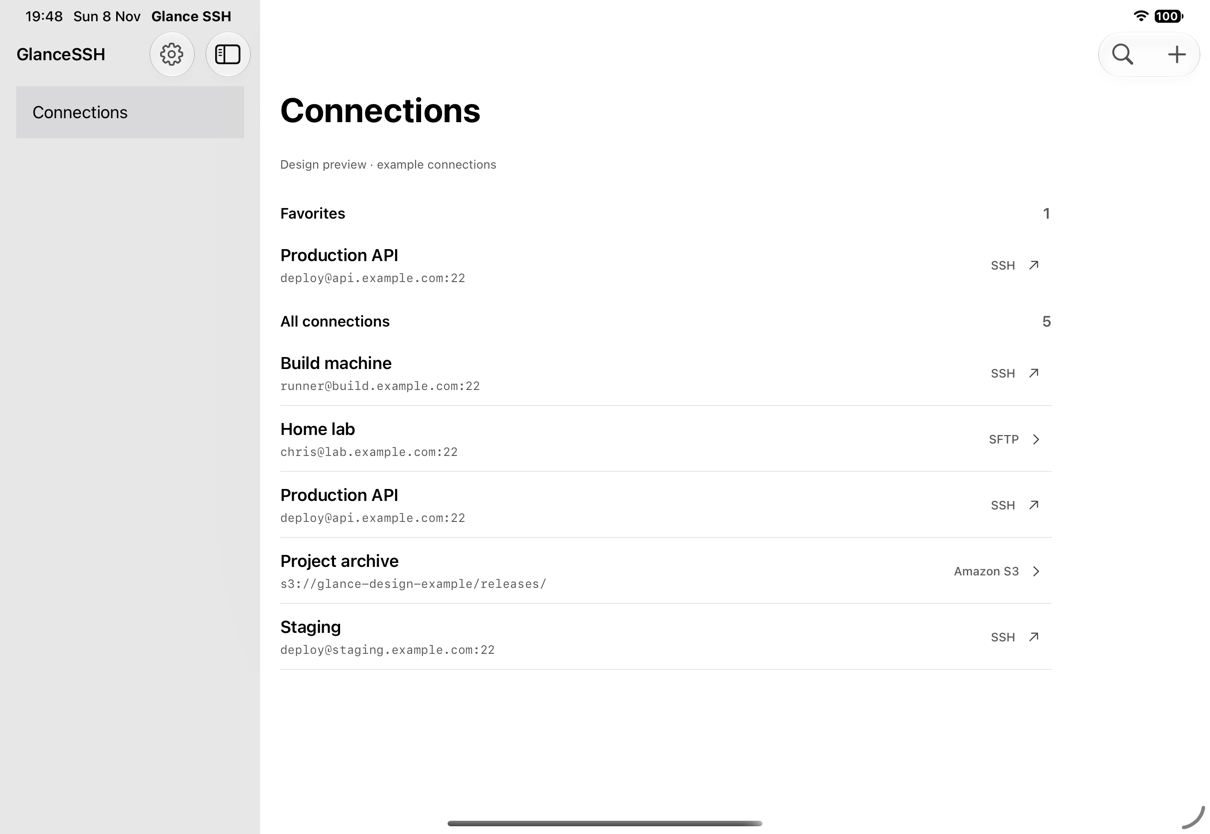
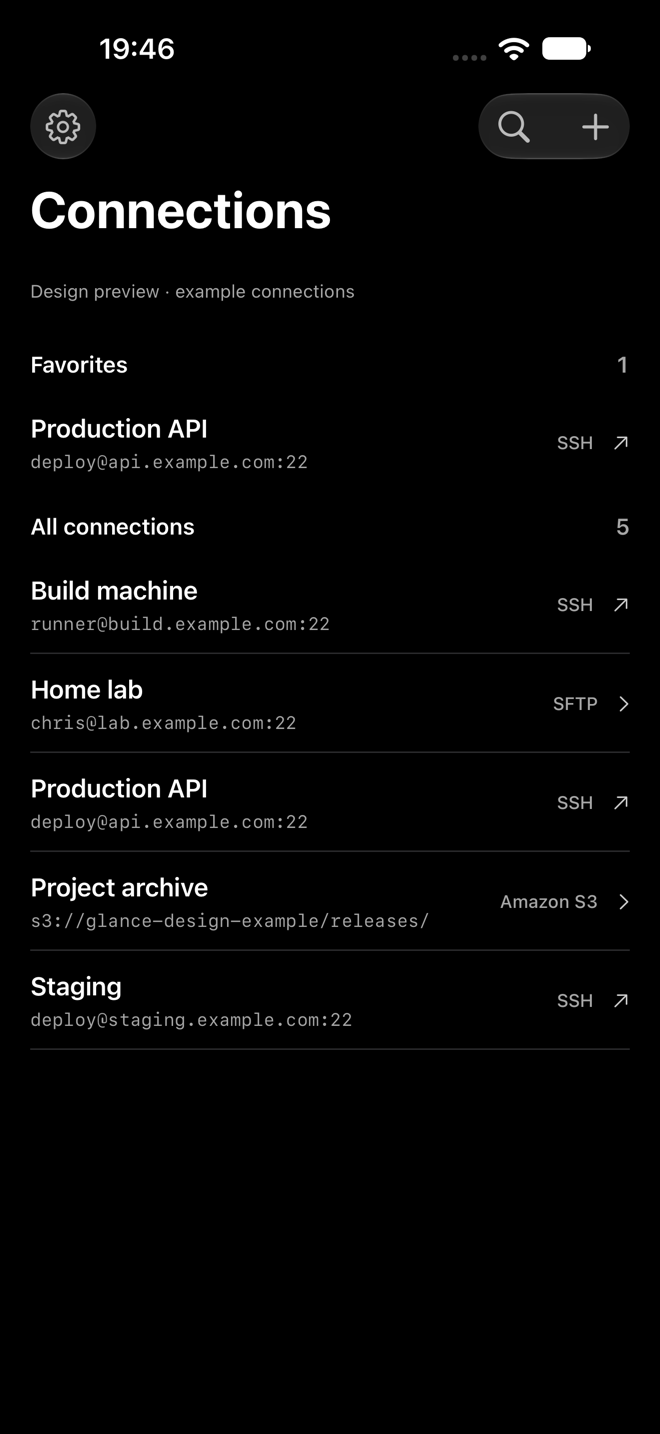
Connect to your servers remotely from Mac, iPad or iPhone. Turn on iCloud sync to keep your saved connections, credentials and SSH keys available across your devices.
Open independent SSH sessions, move between them without reconnecting, and keep familiar terminal controls within reach. Choose per-host themes, font sizes and environment variables.
SSH terminalsBrowse SFTP servers and Amazon S3 buckets. Upload, download and rename files, transfer folders, and review replacements before you commit.
SFTP & Amazon S3Reach private destinations through saved SSH jump hosts. Use each hop’s own credentials and verify each server independently. Start and stop local port forwards from your session.
Jump hosts & local forwardingOrganise connections with groups and Favorites. Save reusable snippets, choose the sessions that receive them, and use keyboard shortcuts to move through your workspace.
Connections & snippetsCredentials stay in your device’s Keychain. Server identity is checked before you connect. iCloud sync is optional.
GlanceSSH has no advertising SDK. Your terminal is your workspace.
How your data is handledGlanceSSH works across macOS and iOS: Mac running macOS 15 or later, iPhone running iOS 18 or later, and iPad running iPadOS 18 or later.
No separate GlanceSSH account is required for local connections. Optional iCloud sync uses your Apple Account and private CloudKit database.
Yes. You can import supported OpenSSH Ed25519 and RSA private keys, or generate an Ed25519 key in the app. Supported encrypted imports use AES-128/256-CTR with bcrypt. Other key formats need conversion before import.
When you enable iCloud sync, saved connections, supported credentials and software SSH keys can sync through your private CloudKit database. Live sessions, server trust approvals, snippets, command history and biometric settings stay on each device.
GlanceSSH for macOS and iOS. Mac, iPhone and iPad.

macOS 15+ · iOS / iPadOS 18+